
INSTALLHUB FIELD GUIDES
Clear Windows setup advice, organised by the job.
Choose applications, compare installation routes and build a practical Windows setup without treating one software list as the answer for everyone.
- 17focused guides
- 217application pages
- 16clear categories
SETUPS BY REAL TASK
Start with what this PC needs to do.
Each visual guide answers a different search question and uses a different application set, workflow and recommendation structure.
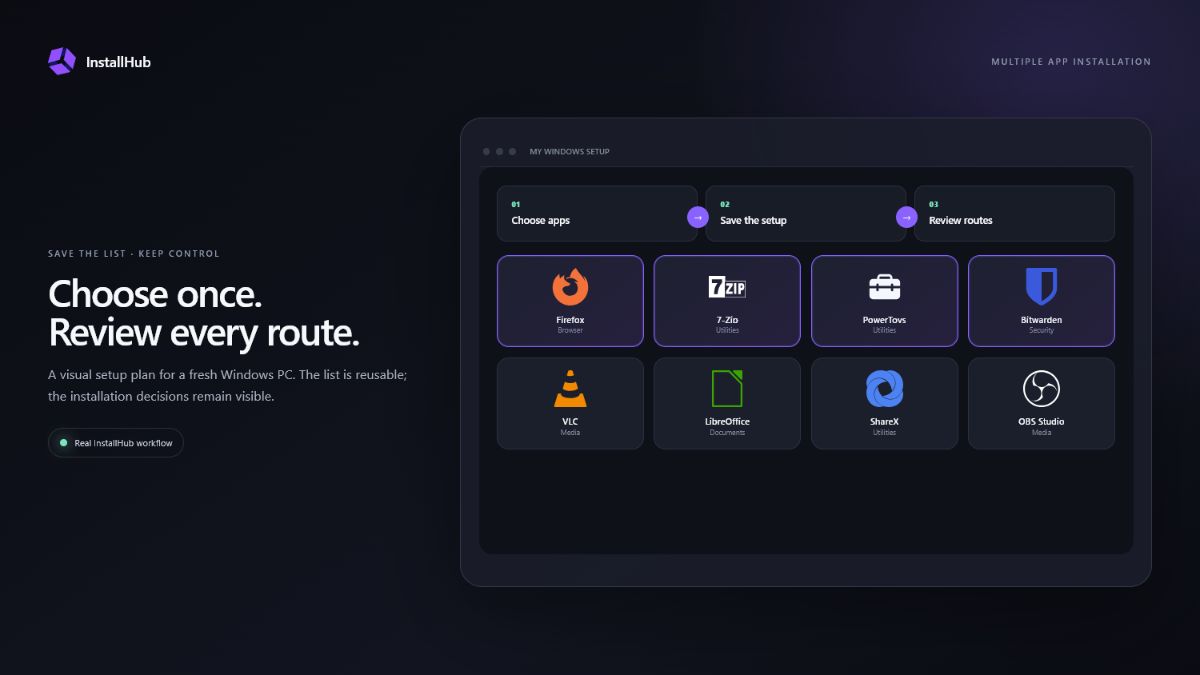
Install Multiple Apps at Once on Windows 11
Compare visual app selection, WinGet import and curated installers for setting up multiple Windows 11 apps while keeping installation choices visible.
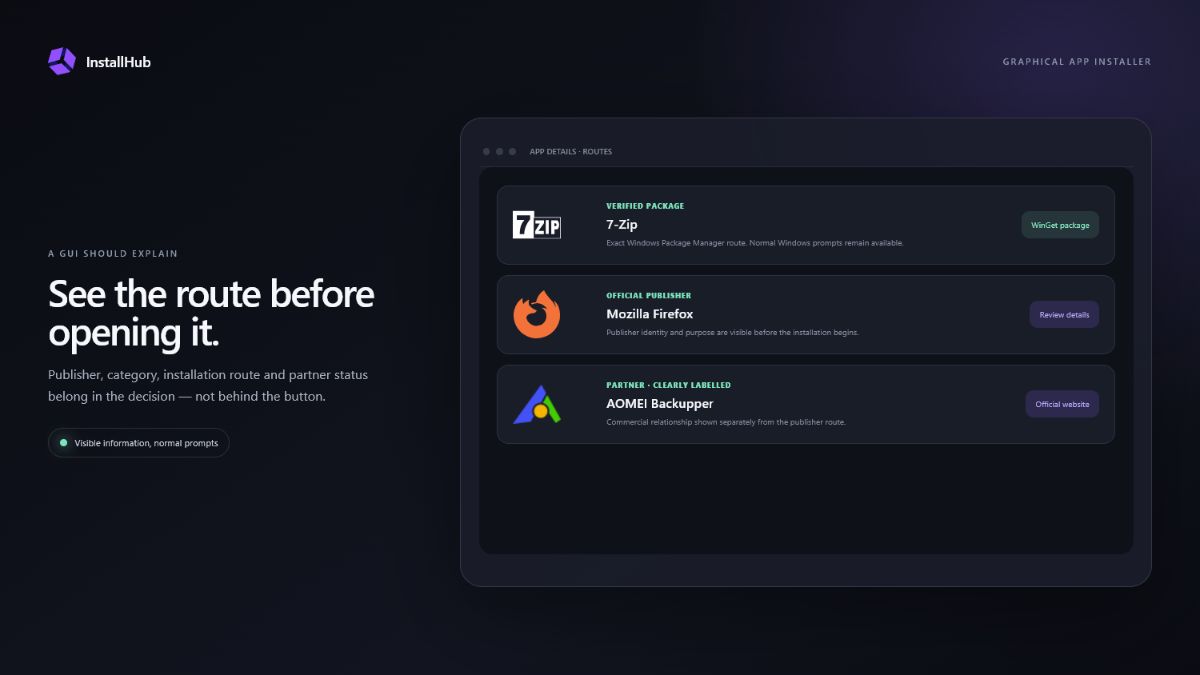
Open the guide →Windows App Installer GUI: What to Look For
Learn what a useful graphical Windows app installer should show, how GUI and command-line workflows differ and when each approach is the better fit.
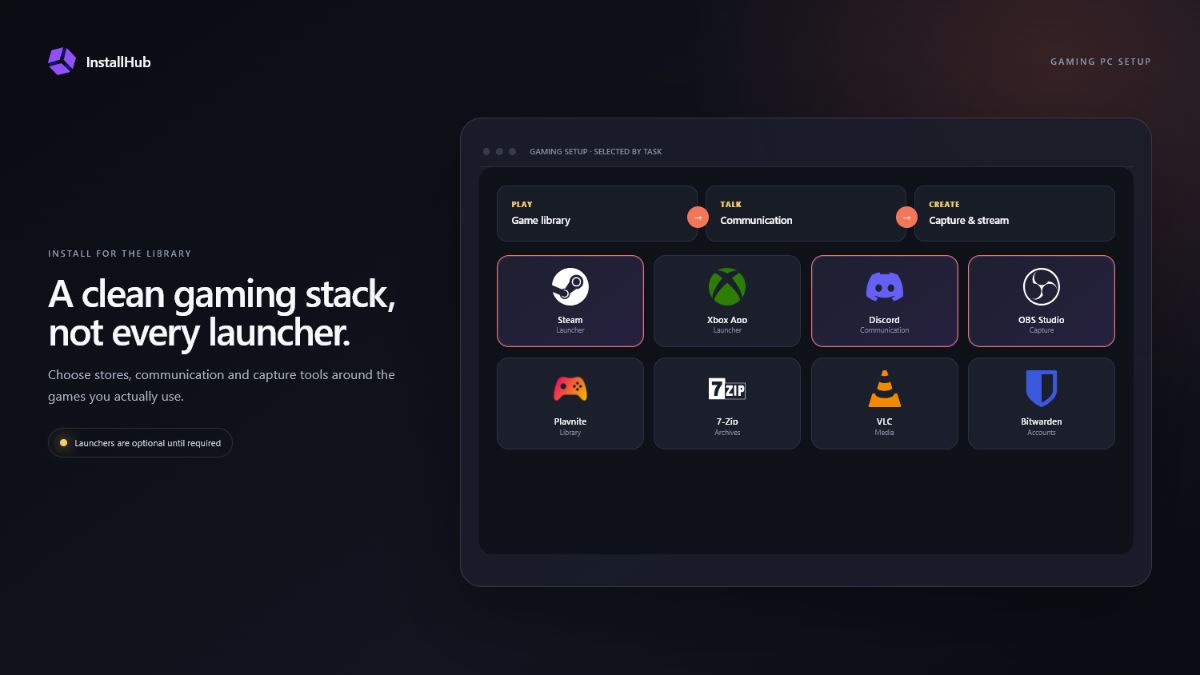
Open the guide →Essential Software for a New Windows Gaming PC
Build a clean gaming PC software setup with launchers, communication, recording, utilities and backup choices instead of installing every gaming service at once.
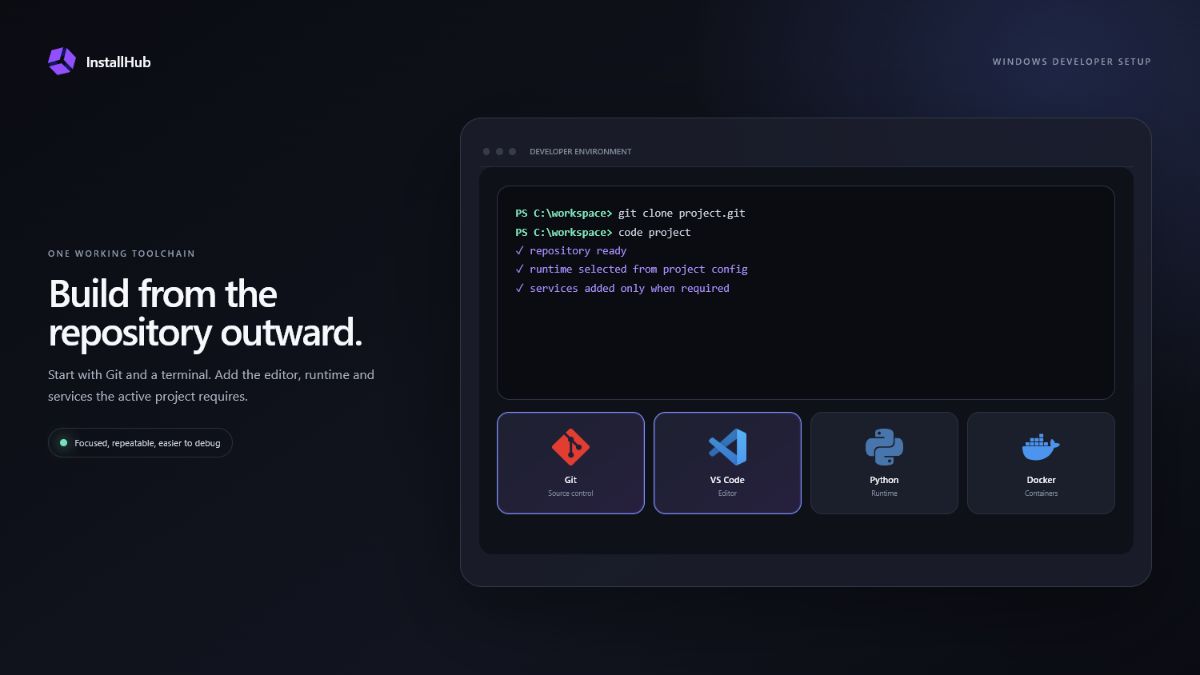
Open the guide →Windows Developer Setup: Tools by Workflow
Plan a Windows developer setup with Git, terminals, editors, runtimes, containers and database tools chosen for the projects you actually build.
Open the guide →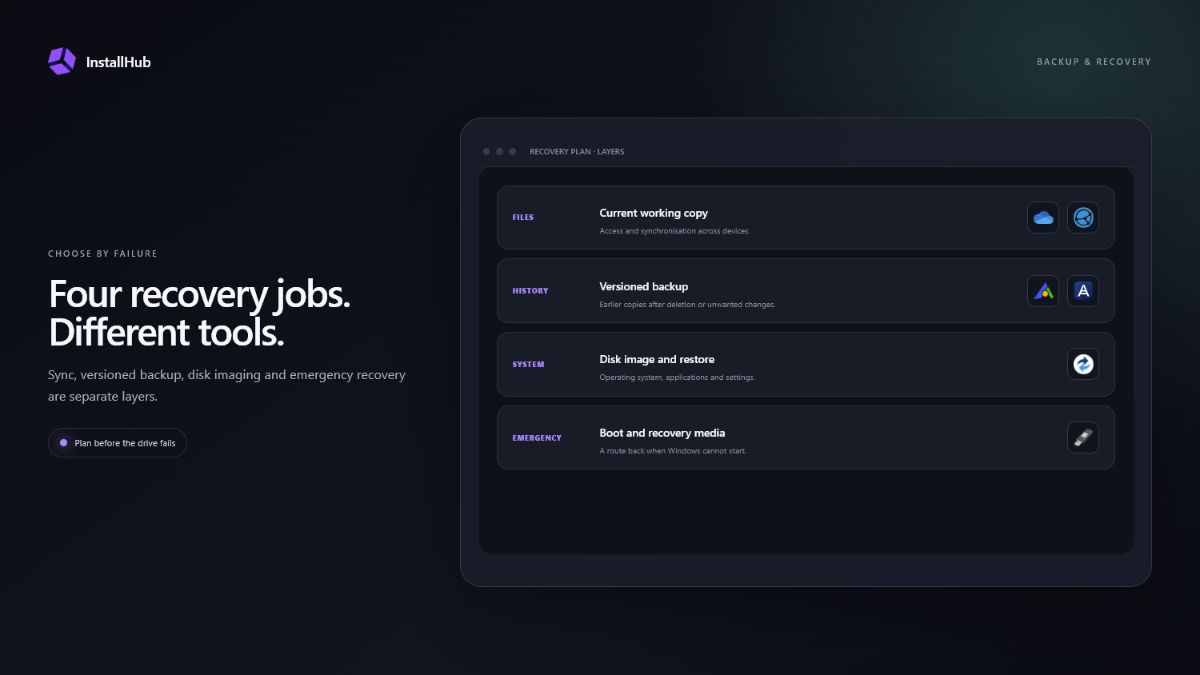
Windows Backup and Recovery Software Guide
Understand file sync, versioned backup, disk imaging, recovery media and data recovery before choosing Windows backup and recovery software.
Open the guide →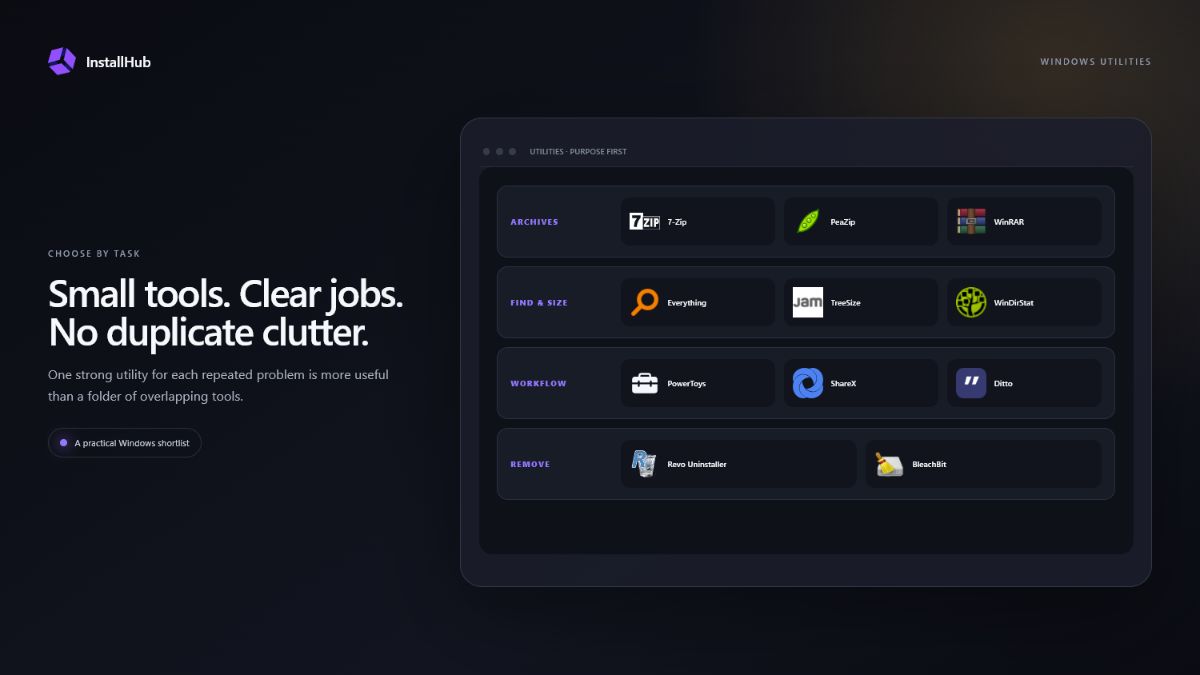
Windows Utilities by Task: Practical Shortlist
Choose practical Windows utilities for archives, search, storage, screenshots, clipboard work and uninstalling without filling the PC with duplicate tools.
Open the guide →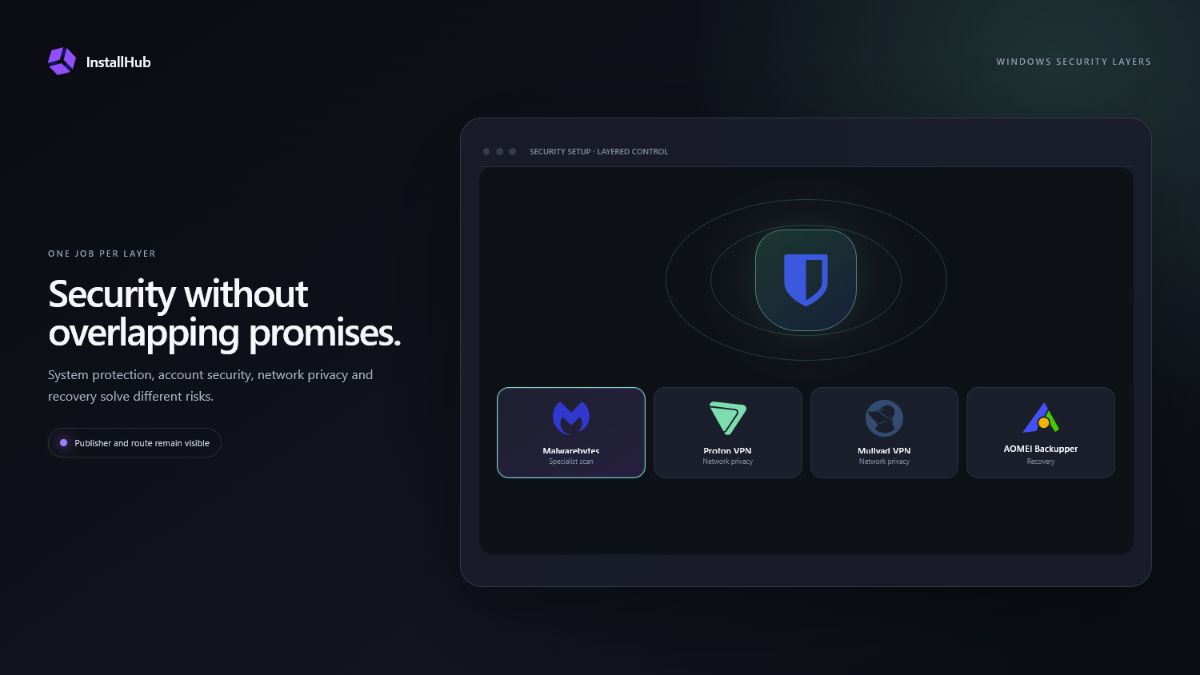
Windows Security Apps: Build the Right Layers
Build a sensible Windows security setup with built-in protection, password management, browser choices, VPNs, backup and on-demand scanning.
Open the guide →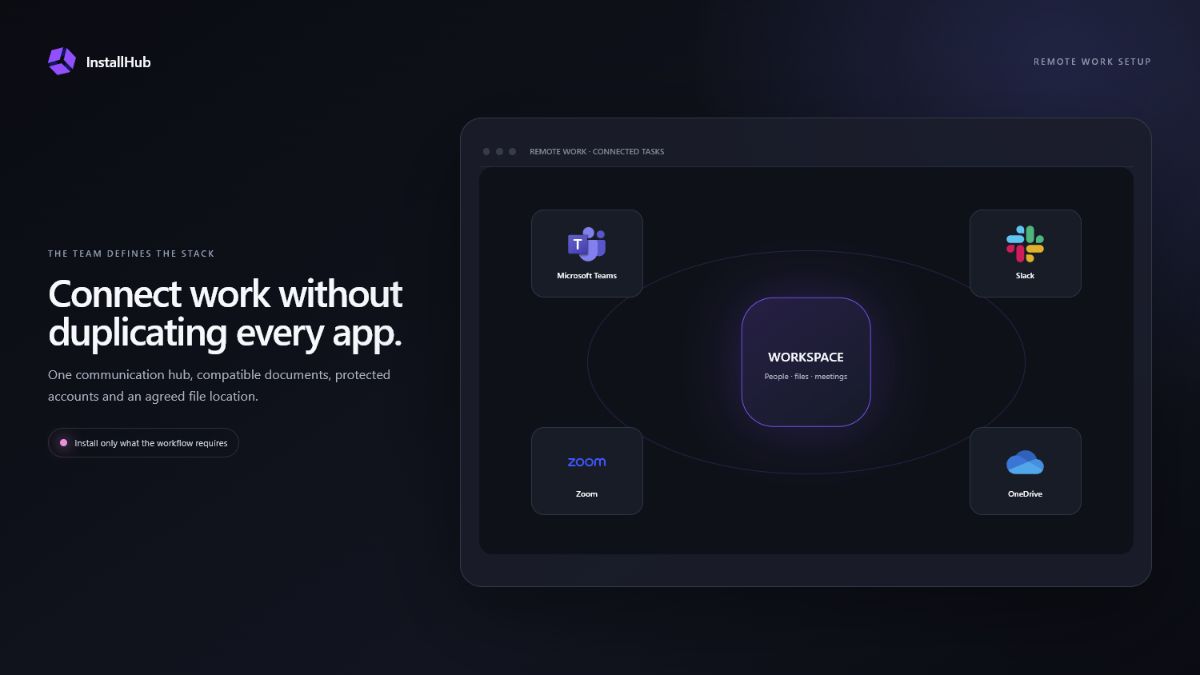
Essential Windows Apps for Remote Work by Task
Choose Windows remote-work apps for communication, documents, account security, file sharing, support and recording without duplicating every service.
Open the guide →FOUNDATIONS & COMPARISONS
Understand the route before choosing the tool.
Product walkthroughs, safe-installation principles and direct comparisons for Ninite, WinGet and Patch My PC alternatives.
Product guide
Windows App Installer and Setup Guide
A complete look at InstallHub, its visible installation routes and the choices it keeps under your control.
Walkthrough
How InstallHub Works
Follow the real path from app discovery to the official route and the cleared internal-browser session.
Comparison
Best Ninite Alternatives for Windows 11
Compare a curated batch installer with visual catalogs, package managers and maintenance tools.
Comparison
WinGet Alternatives for Windows 11
Choose between command-line packages, visual discovery and dedicated software maintenance.
Comparison
Patch My PC Alternatives for Windows
Separate application discovery, first-time installation and ongoing software maintenance.
New PC
Essential Apps for a New Windows 11 PC
Build a sensible first-day software checklist without treating every program as essential.
Fresh install
What to Install After Reinstalling Windows
Restore updates, access, backup and specialist applications in a deliberate order.
Technicians
Windows Tools for PC Technicians
Diagnostic, recovery, deployment and support tools for repair and advanced Windows work.
Safety
How to Install Windows Software Safely
Check the publisher, route, installer prompts and commercial labels before approving a setup.
BUILD MY SETUP
Turn the research into a personal app list.
Select the Windows applications you prefer, save the setup file and reopen the same list inside InstallHub.
Choose my applications