Required by the team
Install the communication and identity tools your organisation actually uses.
REMOTE WORK SETUP
The essential remote-work stack is usually determined by the employer, clients and file formats. Install the required communication and document tools first, then add security, capture, remote support and sync only where the workflow needs them.
QUICK ANSWER
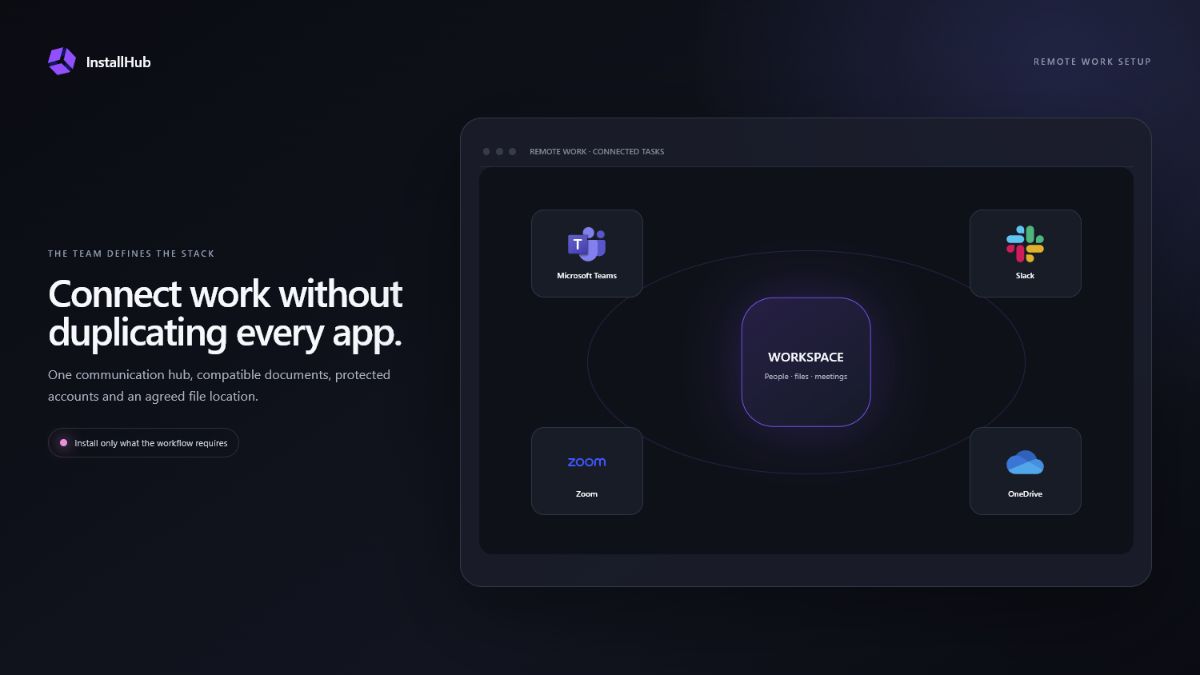
Microsoft Teams, Slack, Zoom and similar apps are not interchangeable when a company has already chosen its platform. Start with the required service, then prevent duplicate notifications and automatic startup from optional clients.
BUILD THE STACK
Three decisions that shape this setup.Install the communication and identity tools your organisation actually uses.
Choose office and PDF applications compatible with the documents you exchange.
Add capture or remote-access tools only with an agreed support workflow.
01
Teams, Slack, Zoom, Discord and other services have different account, meeting and organisation models. If an employer or client uses one platform, that requirement is more important than a generic ranking.
Review camera, microphone, notification and automatic-start settings after installation. Running several clients in the background can duplicate alerts and consume resources even when only one is used daily.
02
Microsoft 365 may be required for organisation templates and collaboration. LibreOffice, ONLYOFFICE and other suites suit different compatibility and licensing needs. For PDF work, decide whether you only read documents or need editing, signing, OCR or conversion.
Do not install several office suites by default. Test a representative document, spreadsheet and PDF before committing to the primary workflow.
03
Use a password manager for unique credentials and enable the organisation’s required multifactor authentication. If a VPN is required, use the approved provider and confirm whether it is needed continuously or only for company resources.
OneDrive, Google Drive, Dropbox and other sync products can all be useful, but several overlapping sync roots create confusion. Keep each project in the location agreed by the team and understand which files are available offline.
04
ShareX, Greenshot and OBS Studio can document a problem or create a tutorial at different levels of complexity. Remove private data from screenshots and recordings before sharing them.
AnyDesk, TeamViewer, RustDesk and similar tools enable remote control. Start a session only with the user’s knowledge, confirm who is connecting and close or remove unattended access when it is no longer required.
COMMON QUESTIONS
The essential apps are the ones required by your employer or clients: usually one communication service, compatible document software, account protection and the agreed file location.
Only if the workflow genuinely requires them throughout the day. Review startup and notification settings to avoid duplicate background activity.
It improves availability, but retention and recovery depend on the service and organisation policy. Important work may also require a separate backup.
They can be legitimate, but unattended access must be configured deliberately. Remove or disable access that is no longer required and never accept an unexpected support request.
INSTALLHUB FOR WINDOWS
Choose the applications you prefer. InstallHub shows the route and leaves installation decisions under your control.
Download InstallHub