
Choose the right apps
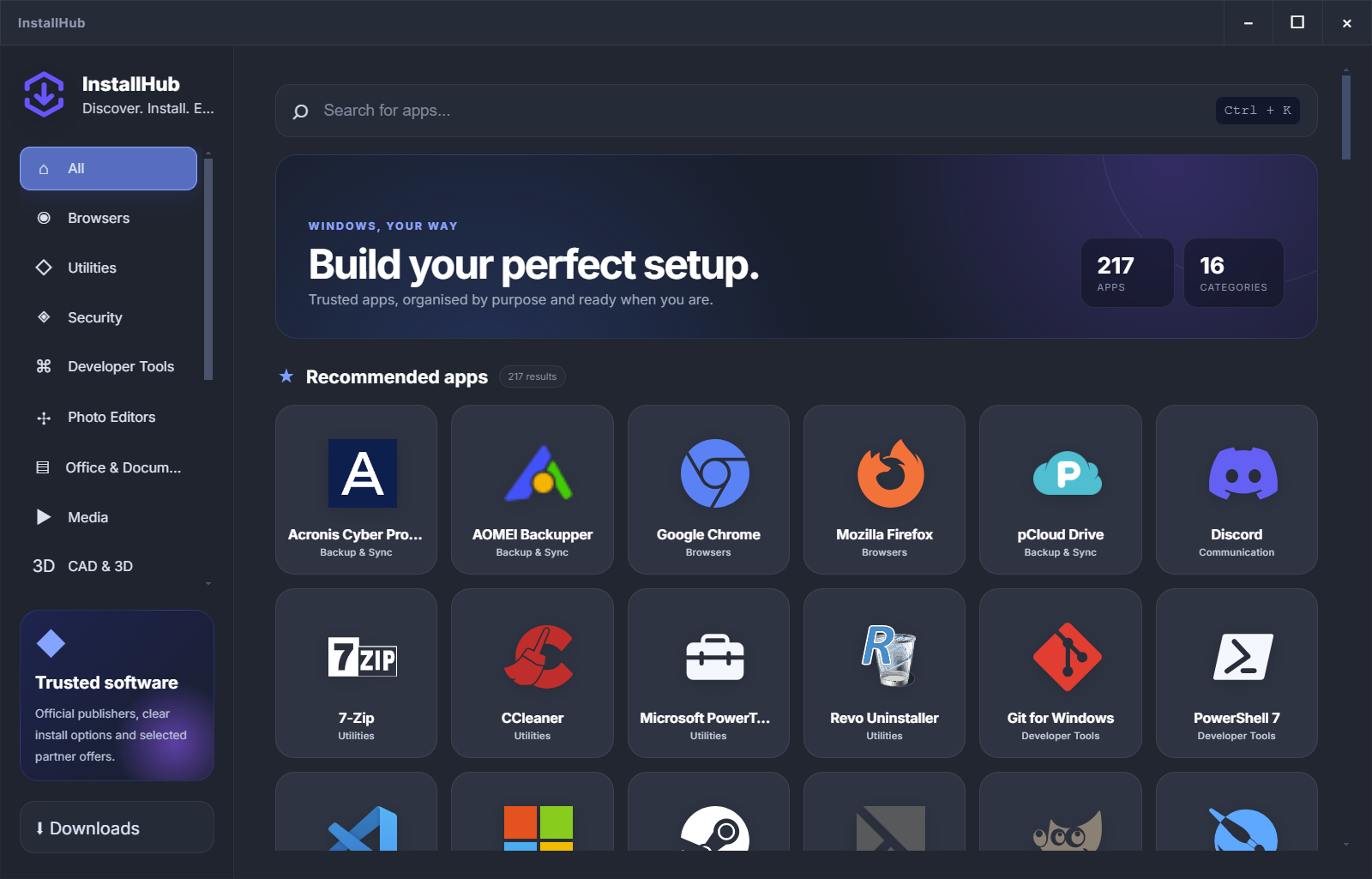
InstallHub explains purpose, publisher context and available installation routes.
CHOOSE BEFORE YOU MAINTAIN
Patch My PC is strong at keeping a known software set current. InstallHub starts one step earlier: compare real choices, understand the publisher route and decide what belongs on the PC.
Independent comparison based on current official product documentation.
THE IMPORTANT DISTINCTION
A maintenance tool is useful after the list is known. A visual catalog is useful before the user knows which browser, backup product, editor or utility belongs in that list.
InstallHub explains purpose, publisher context and available installation routes.
Continue through the publisher or package route without hiding the normal decision points.
Patch My PC, WinGet or another updater can keep a known software set current.
USE THE RIGHT PRODUCT
InstallHub is deliberately different: it prioritizes visible choice and context instead of silent automation.
Best for comparing programs, reading concise explanations and building a personal Windows setup.
Explore InstallHub →Best for installing, scheduling updates and uninstalling apps from its supported home catalog.
See the comparison →Best when technicians know the package IDs and need repeatable install or upgrade commands.
Compare WinGet →SIDE-BY-SIDE
The comparison is intentionally specific. A green cell means the feature is central to that product, not that every other product is bad.
WHO NEEDS WHAT?
Patch My PC also offers business products for Intune and ConfigMgr. InstallHub is aimed at individual Windows users, advanced users and technicians making a visible software choice.
InstallHub helps the user compare alternatives instead of accepting one forced software list.
Patch My PC Home Updater is relevant when the installed list already exists and maintenance is the priority.
Intune, ConfigMgr and enterprise patching products provide policy, reporting and lifecycle management.
INSTALLHUB IN PRACTICE
Browse by task, compare the available applications and save the setup you want. You can then use the publisher installer, a WinGet route or another maintenance workflow where it genuinely fits.
Build my setupCLEAR ANSWERS
InstallHub focuses on discovering and understanding software before installation. Patch My PC Home Updater focuses on installing, updating and uninstalling applications from its supported catalog.
No. InstallHub does not silently install or update applications. It keeps the route and the normal approval flow visible.
No. It offers a free Home Updater and separate enterprise application-management products for platforms such as Intune and ConfigMgr.
Against the official Home Updater page, application-management page, Microsoft WinGet documentation and Ninite documentation.
START WITH THE DECISION
Choose the apps, review the routes and keep the normal installer in view.
Explore 217 applications