
Choose by purpose
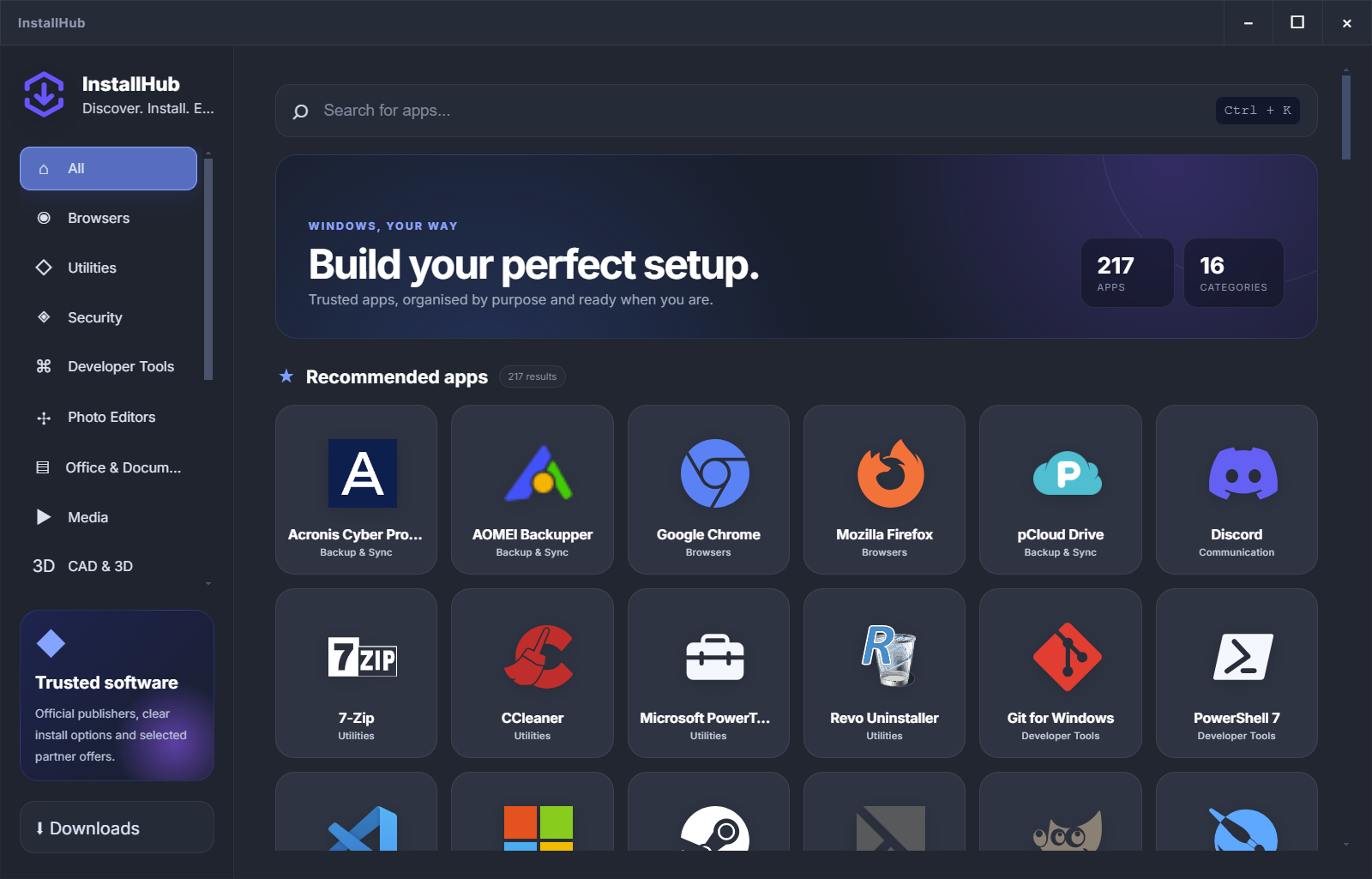
Find browsers, utilities, security, developer tools, media, backup and more without scanning a random list.
WINDOWS ESSENTIALS, ORGANISED
InstallHub gives you one clear place to find, compare and install the software you actually need — without guessing which download page to trust.
WHY INSTALLHUB
A premium setup experience starts before the installer opens. It explains the choice, the publisher and the route in plain language.
Find browsers, utilities, security, developer tools, media, backup and more without scanning a random list.
Understand whether an app uses the official website or Windows Package Manager before continuing.
Build a personal list you can return to after a fresh Windows installation or when preparing another PC.
ONE CLEAR WORKFLOW
Search by name or browse the category that matches your task.
Check what it does, who publishes it and which edition fits.
Use the official publisher route or a verified package when available.
The normal installer stays visible. You decide what changes.
TOOLS ARE NOT THE SAME
InstallHub is the decision layer. Other tools can still be useful when you need batch installation, scripting or maintenance.
THE INSTALLHUB DIFFERENCE
InstallHub is built for the moment before installation: compare the options, see the route and keep control of the decision.
Browse the catalogCLEAR ANSWERS
No. You start the action and the normal publisher or Windows installer remains visible.
Yes. Browse a category, compare the descriptions and save the applications you prefer in your setup list.
No. InstallHub helps you discover and understand the choice. WinGet, Ninite or another tool may still be the right execution route for a specific workflow.
It contains 217 Windows programs across 16 categories, including browsers, utilities, security, developer tools, media, backup and more.
YOUR WINDOWS SETUP STARTS HERE
Choose the programs you want, review the route and keep the normal installer in view.
Build my setup