Find the right app
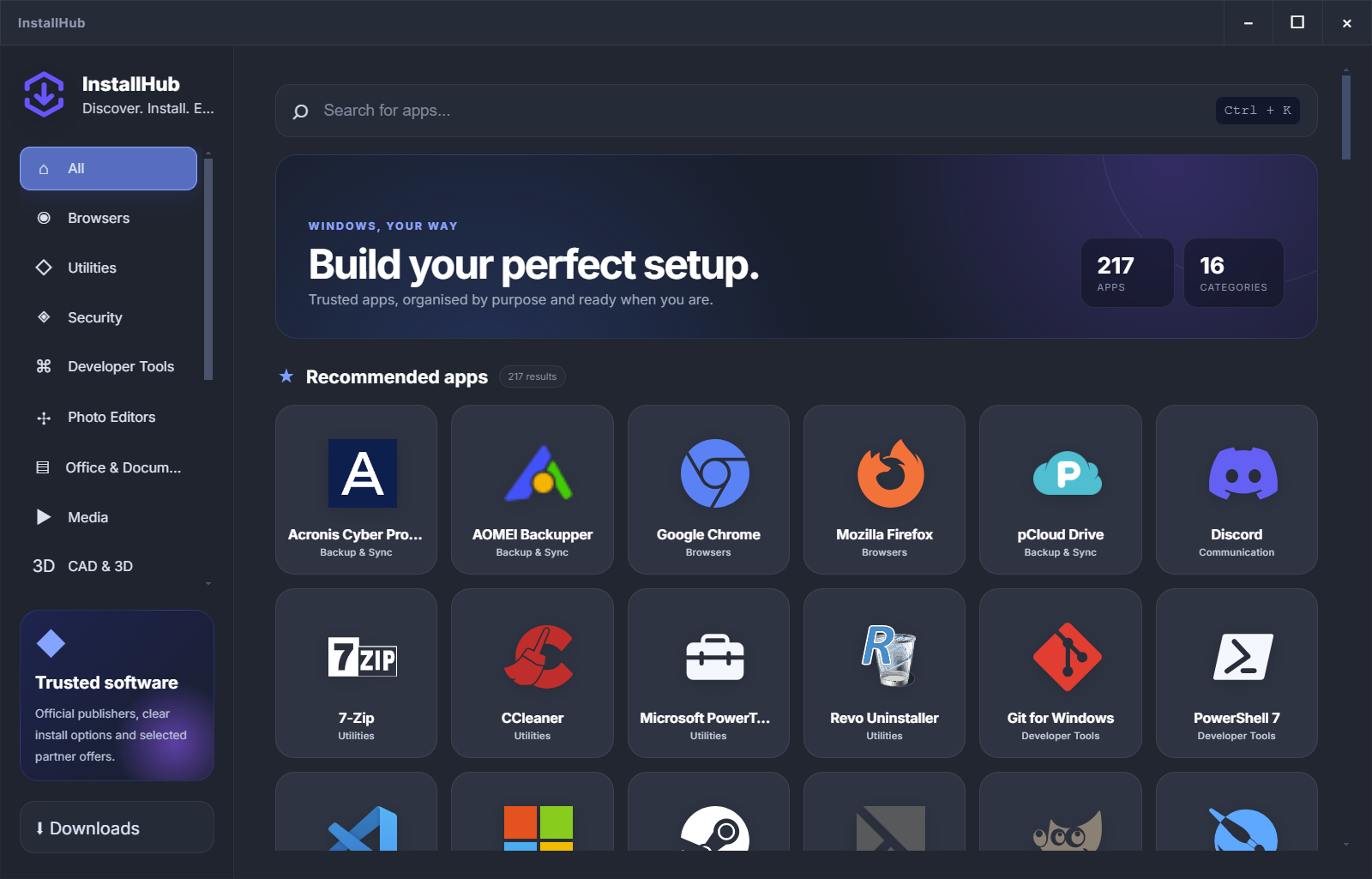
Search by name or browse 16 practical categories.
FREE WINDOWS APP INSTALLER
InstallHub is a free Windows 10 and 11 desktop app for finding, comparing and installing essential software. Check the publisher, installation source and available options before starting every installer.
 Chrome
 Firefox
 Edge
Edge
 7-Zip
7-Zip
 VLC
VLC
 Bitwarden
 PowerToys
 VS Code
HOW INSTALLHUB WORKS
Search once, understand the route, then start the normal installer. InstallHub keeps the process clear without taking the decisions away from you.
Search by name or browse 16 practical categories.
Read the description, publisher and installation source.
The normal setup stays visible, including its available options.
 InstallHubSTEP 1 OF 4
SEARCH RESULTS
 Mozilla FirefoxBrowsers · MozillaDetailsMicrosoft EdgeBrowsers · MicrosoftDetailsMozilla FirefoxMozilla · Browsers×
FAST, PRIVATE WEB BROWSING
Browse with sync, extensions and built-in tracking protection.
OFFICIAL PUBLISHER WEBSITEThe publisher page opens inside InstallHub when a website is required.
Mozilla Firefox SetupPublisher installerReady to install
DESIGNED FOR CONTROL
InstallHub reduces unnecessary web exposure without pretending third-party software installation is risk-free. You still see the publisher, the source and the Windows security prompt.
InstallHub✓Policy checkOfficial site217 APPLICATIONS · 16 CATEGORIES
Start with browsers, utilities and security, then explore tools for development, media, design, office work, gaming and more.
FirefoxBrowser
 7-ZipUtility
 PowerToysUtility
BitwardenSecurity
VS CodeDeveloper
VLCMedia
PowerToysUtility
BitwardenSecurity
VS CodeDeveloper
VLCMedia
 AOMEIBackupPartner
 AcronisRecoveryPartner
 EaseUSUtilitiesPartner
CLEARLY LABELLED PARTNERS
Partner applications can still lead to a free edition or trial when the publisher offers one. InstallHub takes you to the official website and marks the relationship clearly.
Partner
Partner
 Partner
 Partner
 Partner
WINDOWS SOFTWARE GUIDES
Practical guides for a new PC, a clean Windows reinstall, technician work and safer software installation.
Choose browsers, utilities, security, documents and backup by purpose.
Read the guide → 02Restore the essentials in a clear order without filling a fresh PC with unnecessary software.
Read the guide → 03Compare diagnostic, recovery, administration and support tools.
Read the guide → 04Check the publisher, download route, Windows prompts and partner labels.
Read the guide →BEFORE YOU DOWNLOAD
InstallHub is free for Windows 10 and 11. You decide what gets installed and how each setup continues.
No. You start every installation yourself. Interactive installers and Windows prompts remain visible.
No. InstallHub does not rebuild third-party installers. Their normal component and setup choices remain available.
Some publishers require downloads through their website. InstallHub opens that page inside its restricted internal browser so you can continue without leaving the app.
The embedded browser session is destroyed when you close it, return to Details or choose another application.
No. Partner apps display a visible Partner label. You can choose a paid plan, trial or free edition whenever the publisher makes those options available.
INSTALLHUB FOR WINDOWS