
InstallHub
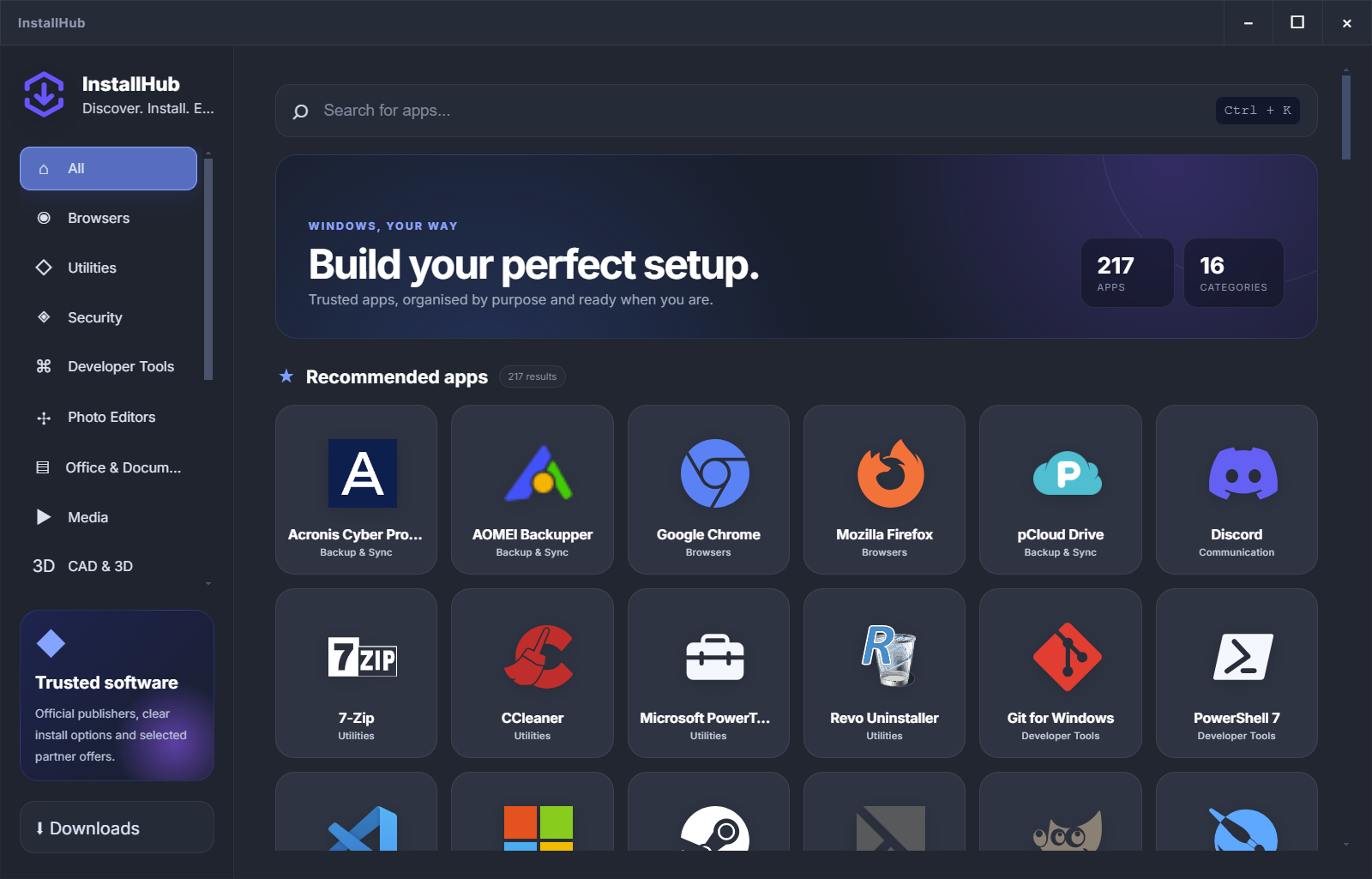
Visual categories, professional app descriptions, publisher context and a personal setup list.
Browse the catalog →WINDOWS SOFTWARE, YOUR WAY
WinGet is excellent at installing and upgrading known packages. InstallHub solves the earlier problem: understanding the options, checking the route and building a setup you actually want.
Independent comparison. Product names belong to their respective publishers.
START WITH THE JOB
The strongest tool depends on whether you are still choosing software, already know the package ID or need ongoing update management.
Visual categories, professional app descriptions, publisher context and a personal setup list.
Browse the catalog →Search, install, upgrade, remove and configure supported packages from the command line.
Compare workflows →Useful when the software list is already known and the priority is keeping installed apps current.
See maintenance options →ONE WINDOWS SETUP, THREE STAGES
InstallHub is strongest before installation. WinGet is strongest when a known package must be handled repeatably. Maintenance tools take over after software is already installed.
Compare browsers, utilities, security tools and professional software in plain language.
Continue through WinGet or the publisher route while normal Windows approval remains visible.
Use WinGet upgrade commands or a dedicated updater when ongoing maintenance is the real need.
PRACTICAL COMPARISON
This comparison separates discovery from execution so users can see where each product genuinely fits.
REAL-WORLD CHOICES
A fresh home PC, a technician script and a managed business fleet should not be forced into the same installation model.
Use InstallHub to compare the choices and keep the normal installer visible.
Build the documented list visually, then use exact WinGet IDs for repeatable machines.
Use dedicated deployment and patching tools when reporting, schedules and policy are required.
THE INSTALLHUB LAYER
InstallHub keeps categories, descriptions and route information together. Once you know exactly what belongs on the PC, the execution route becomes a much easier decision.
Create my setup listCLEAR ANSWERS
No. InstallHub is the visual decision layer. WinGet remains valuable for command-line installation, upgrades and repeatable scripts.
Yes. WinGet can list and upgrade supported packages from its configured sources. Package behavior can still differ by installer.
InstallHub is easier when the user needs categories, explanations and visible route choices. WinGet is efficient once the exact package is already known.
Against the current Microsoft WinGet documentation, Ninite documentation and Patch My PC Home Updater page.
BUILD YOUR WINDOWS SETUP
Start with the apps you actually need and keep the installation route visible.
Explore the catalog