Protect the system
Keep Windows, browsers and security definitions current; avoid competing real-time scanners.
WINDOWS SECURITY SETUP
Installing several security products does not guarantee better protection. Start with Windows Security and updates, then add a password manager, browser choice, VPN, backup or specialist scanner only when that layer answers a defined risk.
QUICK ANSWER
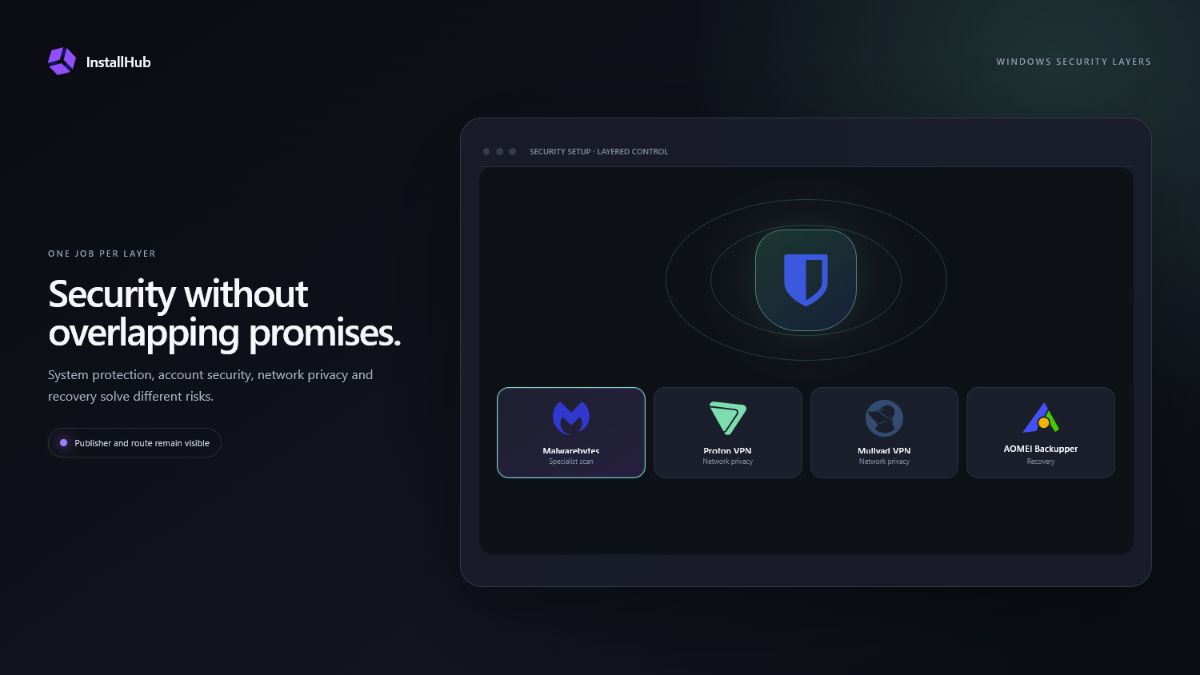
A VPN changes how network traffic leaves the device; it is not an antivirus. A password manager reduces password reuse; it does not recover lost files. Backup protects recovery; it does not stop phishing. Good security comes from combining different jobs without duplicating the same one.
SEPARATE THE LAYERS
Three decisions that shape this setup.Keep Windows, browsers and security definitions current; avoid competing real-time scanners.
Use unique passwords, multifactor authentication and documented recovery options.
Keep important files recoverable if an account, drive or installation fails.
01
Windows Security includes antivirus and threat protection, firewall controls and reputation-based app and browser protection. Microsoft Defender SmartScreen evaluates websites and downloads using reputation signals and can warn about suspicious or untrusted files.
Keep Windows and Defender updates current. Do not disable warnings merely to make an installer run. Confirm the publisher and source first, especially when a newly released file has limited download reputation.
02
Bitwarden and NordPass are separate products with different plans and ecosystems. Choose one, create a strong account password, enable suitable multifactor authentication and store recovery information somewhere you can reach if the PC is unavailable.
A password manager is most valuable when it replaces reused passwords. Installing the application without completing account recovery and changing weak credentials does not solve the underlying risk.
03
Firefox, Brave and other browsers expose different privacy, extension and account-sync choices. A VPN such as NordVPN, Surfshark, Proton VPN, Mullvad VPN or Private Internet Access routes supported traffic through the provider, but it does not make unsafe downloads trustworthy.
Review the provider’s current privacy policy, account requirements, protocol support, renewal price and device limits. InstallHub clearly labels partner entries so a commercial link is visible before you follow it.
04
An on-demand scanner can provide a second opinion when it does not conflict with real-time protection. It should not become a reason to ignore browser warnings, publisher identity or unexpected installer behavior.
Backup completes the security plan by making recovery possible after ransomware, accidental deletion, account loss or disk failure. Keep at least one recovery copy that is not permanently exposed to every change on the working PC.
OFFICIAL REFERENCES
COMMON QUESTIONS
Usually no. Two real-time antivirus engines can conflict or create unnecessary load. Use one primary real-time product and, if needed, a compatible on-demand scanner.
No. A VPN changes the network route and can protect traffic in specific situations, but it does not make a malicious file or phishing page safe.
No. SmartScreen is reputation-based protection for apps, files, sites and downloads. It works alongside other Windows Security protections.
Because prevention is not perfect. A separate, tested backup gives you a recovery option after deletion, corruption, ransomware or hardware failure.
INSTALLHUB FOR WINDOWS
Choose the applications you prefer. InstallHub shows the route and leaves installation decisions under your control.
Download InstallHub